
Introduction
GameGen provides AI-powered creative tools targeting indie game developers and web drama producers. The platform offers eighteen specialized generators producing pixel and HD characters, asset packs, background music, sound effects, emojis, maps, world-building documents, storyboards, turnarounds, and expression sheets. The value proposition centers on cinematic-quality assets without requiring traditional art or audio expertise.
The platform organizes its tools around two primary workflows: game development and web drama production. Game developers access character generators, environmental assets, audio libraries, and narrative tools. Drama producers utilize storyboarding, character reference sheets, thumbnail generation, and promotional artwork features. This dual focus suggests the underlying AI pipelines have been adapted for distinct creative industries.
What a careful reader should verify: whether the generated assets achieve true production quality or require significant post-processing, how consistent the art styles remain across different tools, and whether the credit-based pricing model suits project-scale usage.
Key Features
GameGen structures its eighteen tools across three categories. Visual asset generators include Pixel Characters, HD Characters, Pixel Asset Packs, Game Weapons, Game Items, VFX Sprites, Level Designs, Game Maps, Tileable Textures, Game Emojis, RPG Mini Icons, Game Monsters, Game UI Kits, Character Actions, Character Turnarounds, Character Expressions, Drama Thumbnails, Shot Variations, Drama Posters, and Storyboards.
Audio tools comprise Game Music for looping background tracks and Game SFX for one-shot interface, combat, ambient, and creature sounds. Narrative generators include World Building for lore documents and Game Dialogue for NPC lines and quest copy. Video capabilities extend to the Action Generator producing full-motion combat clips in MP4 format.
Output formats target engine compatibility: PNG and sprite sheets for visual assets, WAV/MP3/OGG for audio, Markdown for documents, and ZIP packs with manifests for organized delivery. The platform emphasizes game-ready exports rather than raw AI generations requiring conversion.
Use Cases
Indie developers working on Game Jam entries represent a core use case. The platform claims one user shipped a competition entry using GameGen sprites and background music, saving approximately two days of manual asset creation. The rapid generation pipeline suits time-constrained development cycles.
Prototyping scenarios benefit from the visual consistency across tools. Developers can test combat feel with AI-generated character sprites before committing to artist hiring. The HD character portraits with transparent backgrounds integrate directly into visual novel engines like Ren'Py, enabling design iteration in hours rather than weeks.
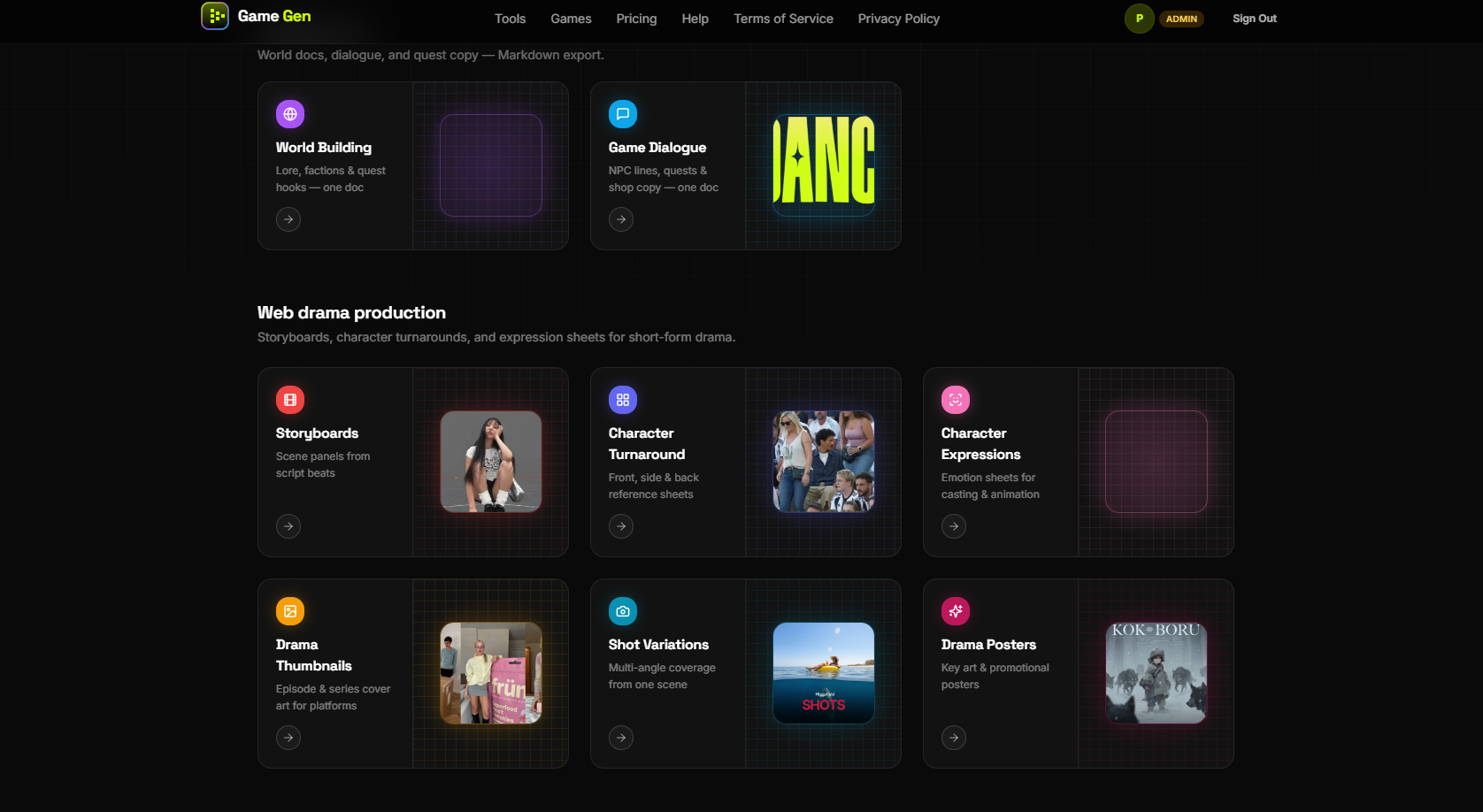
Web drama production workflows utilize the pre-production tools: storyboards from script beats, character reference sheets for casting consistency, and promotional artwork for platform distribution. The multi-angle shot variation tool supports coverage planning from single scene descriptions.
Asset pipeline applications include inventory system population, loot table generation, card game illustration sets, and marketing screenshot creation. The platform emphasizes real production workflows rather than experimental or hobby use.
Pricing
GameGen operates on a credit-based system with three tiers. The Free tier provides 5 credits upon signup with standard generation speed and community Discord support. The Pro subscription costs $9.90 monthly for 100 credits, priority queue access, cloud asset history, and cancel-anytime flexibility.
One-time credit packs supplement or replace subscriptions: 50 credits for $7.99, 200 credits for $14.99 (advertised as best value), and 500 credits for $29.99. These top-ups never expire and work across all eighteen tools. The pricing structure accommodates both ongoing development and project-specific bursts of asset generation.
Credit consumption varies by tool complexity, though specific costs per generation are not detailed in public content. Prospective users should verify credit burn rates for their intended use patterns before purchasing.
User Experience and Support
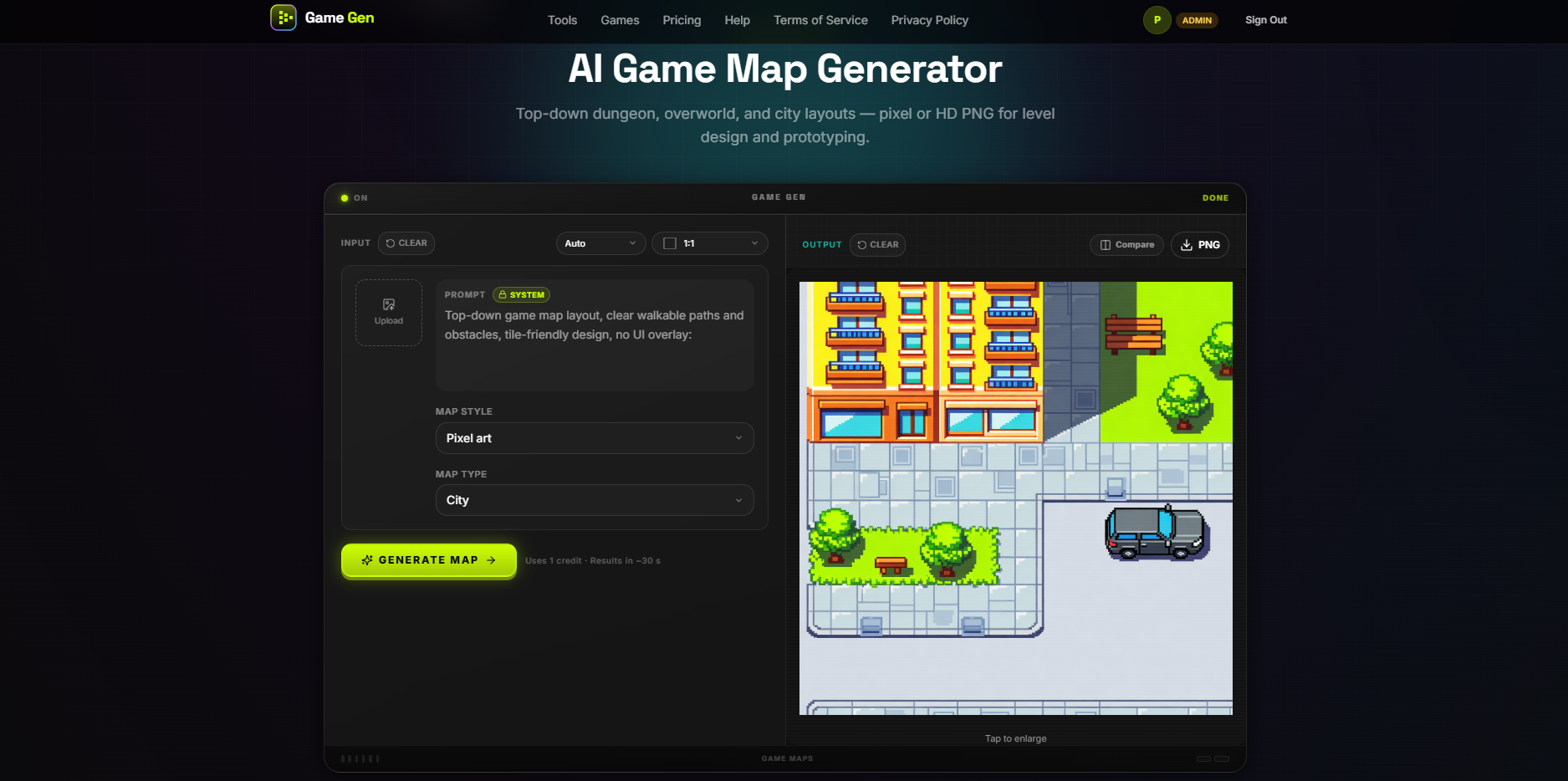
The workflow follows four stages: tool selection, vision description through prompts and presets, browser-based preview, and direct export to engines. The platform emphasizes "no art or audio background required"-users describe desired assets in plain English rather than manipulating complex parameters.
The platform showcases three playable browser games-Pixel Runner, Room Clear, and Sky Blast-demonstrating real assets generated by the tools. Each game supports remixing, allowing users to modify character designs using the same generation pipeline.
Support channels include Discord community access and email support with 48-hour response targets. Documentation covers getting started guides, credit management, content safety policies, and account management. The platform reports 2,000+ developers and 50,000+ assets generated, suggesting sufficient scale for workflow refinement.
Technical Details
GameGen operates as a browser-based service requiring no local installation. The AI pipeline processes natural language prompts into production-ready assets through unspecified underlying models. Generation speed ranges from seconds for simple assets to longer processing for video clips.
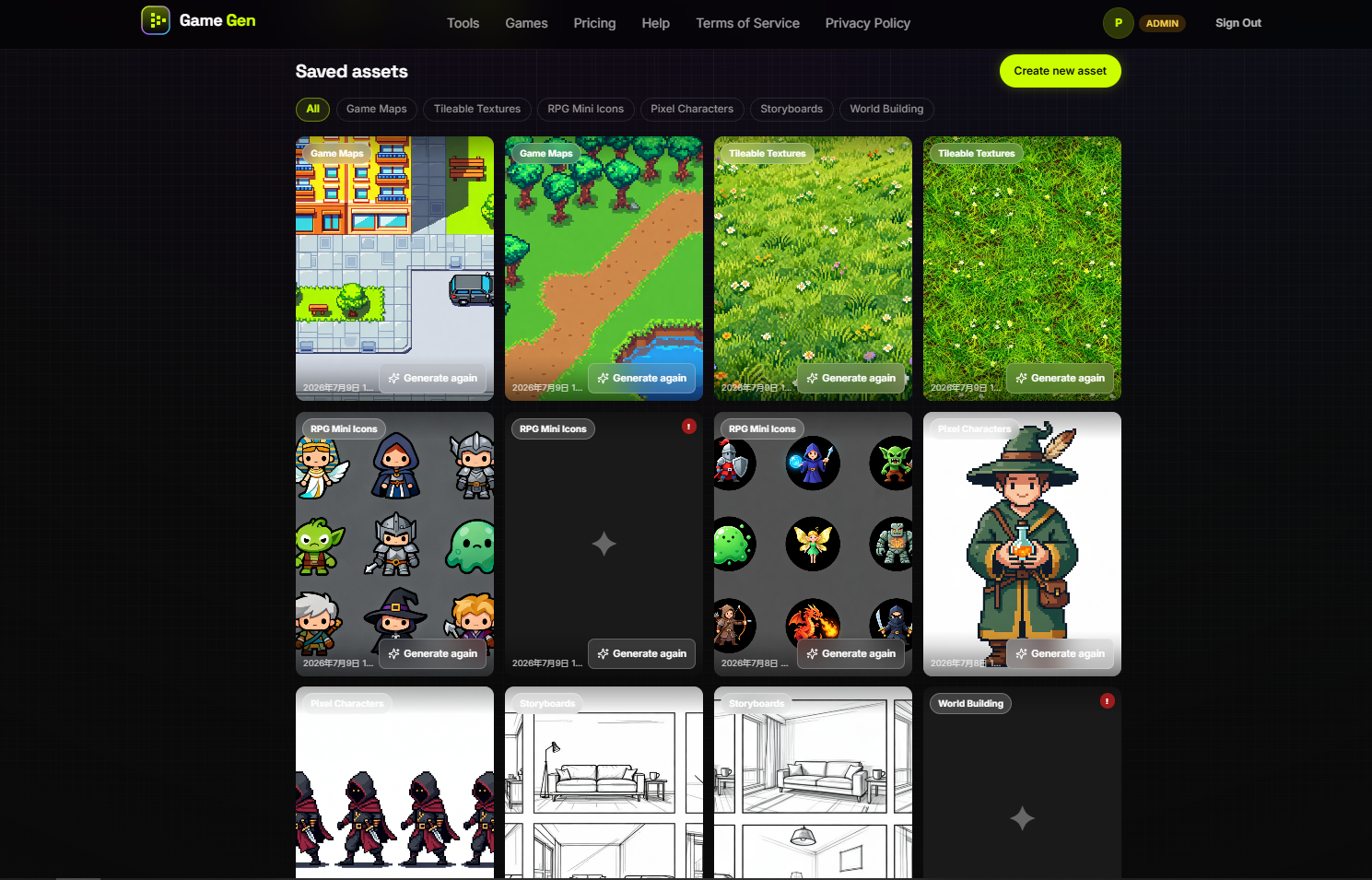
Cloud asset history enables revisiting previous generations, though storage limits and retention policies are not specified. Priority queue access for Pro subscribers suggests resource allocation tiers based on subscription status.
Content safety and commercial usage terms are referenced but not fully detailed in public content. The footer notes AI-generated content is "for creative assistance" with a recommendation to review terms before commercial deployment. Enterprise users should verify licensing terms for shipped products.
Pros and Cons
Pros:
- Specialized tools targeting specific game development needs rather than generic image generation
- Multiple output formats compatible with Unity, Godot, Ren'Py, and other engines
- Free tier enabling tool evaluation before financial commitment
- Playable demo games demonstrating asset quality in real contexts
- Visual consistency presets for pixel and HD styles
- Web drama production tools extending beyond traditional game assets
Cons:
- Credit consumption rates per tool not transparently displayed
- Commercial usage terms require careful review
- Cloud storage limits for asset history unspecified
- Priority queue dependency for Pro subscribers suggests potential generation delays for free users
- Audio and video generation capabilities may lag behind dedicated specialized tools
FAQ
What types of games suit GameGen assets best?
The platform emphasizes platformers, RPGs, visual novels, and roguelikes in its documentation. Pixel art and HD styles are both supported. Real-time 3D games or projects requiring highly customized art direction may find the preset styles limiting. The demo games-Pixel Runner, Room Clear, and Sky Blast-represent 2D browser-based genres well-suited to the asset formats.
How does the credit system work?
New accounts receive 5 free credits upon signup. Pro subscribers receive 100 credits monthly at $9.90. Additional credits can be purchased in one-time packs (50, 200, or 500) that never expire. Credits work across all eighteen tools, though consumption rates likely vary by generation complexity. Asset previews are available before credit commitment.
Are the generated assets truly production-ready?
GameGen claims "game-ready exports" and "cinematic quality" in its positioning. User testimonials mention dropping assets directly into Game Jam builds and vertical slices. However, professional projects may require cleanup, animation rigging, or style adjustments. The platform offers browser previews enabling quality assessment before download.
Can I use GameGen assets in commercial projects?
The terms of service specify AI-generated content is "for creative assistance" with a recommendation to review terms before commercial use. Prospective users should carefully examine licensing terms, particularly regarding redistribution rights, attribution requirements, and any restrictions on shipped products. Contacting support for clarification is advisable before significant investment.
How does GameGen compare to hiring artists?
The platform positions itself as a prototyping and rapid iteration tool rather than artist replacement. Testimonials describe using generated assets for vertical slices before hiring artists, or for Game Jams where budget constraints prohibit commissioning original work. The consistency across tools enables cohesive prototyping without coordinating multiple contractors.
Conclusion
GameGen occupies a specific position in the AI creative tools landscape: specialized generators for game development workflows rather than general-purpose image creation. The eighteen-tool suite demonstrates understanding of indie developer needs-from character sprites to sound effects to narrative documents.
The platform's strength lies in its integration potential. PNG outputs, audio in standard formats, and Markdown documentation reduce friction between generation and implementation. The playable demo games provide concrete evidence of asset functionality beyond static samples.
Credit-based pricing accommodates varying project scales, though cost predictability requires understanding per-tool consumption rates. The free tier enables realistic evaluation before commitment. For indie developers facing asset bottlenecks, particularly during prototyping and Game Jam phases, GameGen offers a viable acceleration path-provided commercial licensing terms align with project requirements.
The tool suite will likely appeal most to solo developers and small teams without dedicated art departments, or as a rapid prototyping layer for larger teams validating concepts before commissioning custom work. Like all AI generation tools, it augments rather than replaces human creativity, functioning best when guided by clear vision and integrated into broader development workflows.