
Introduction
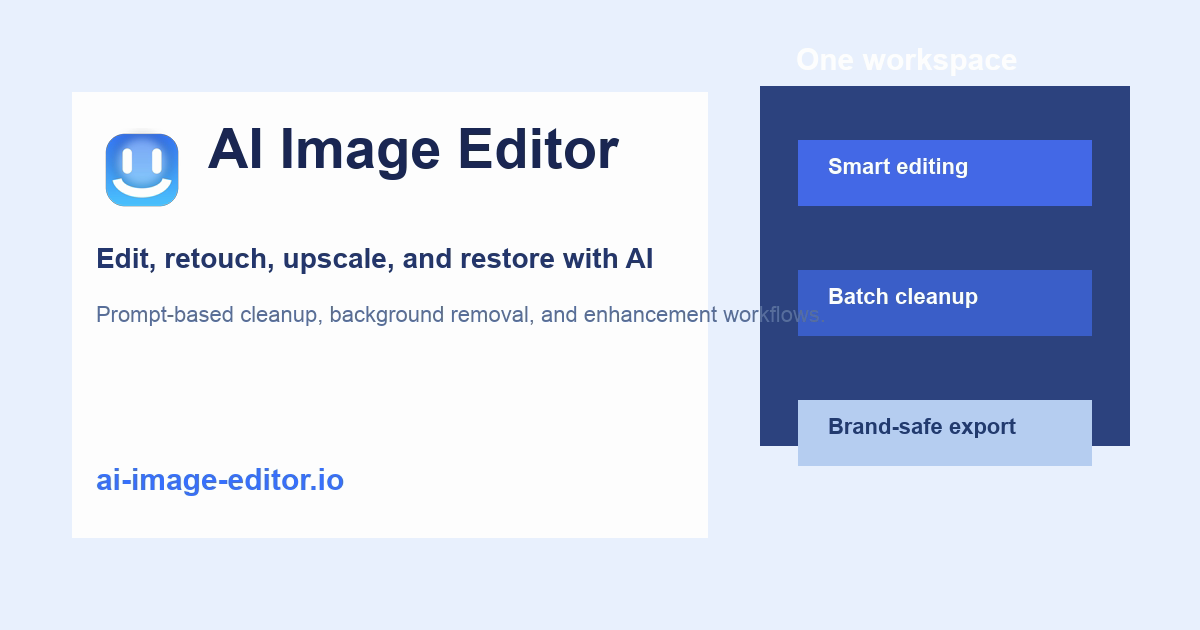
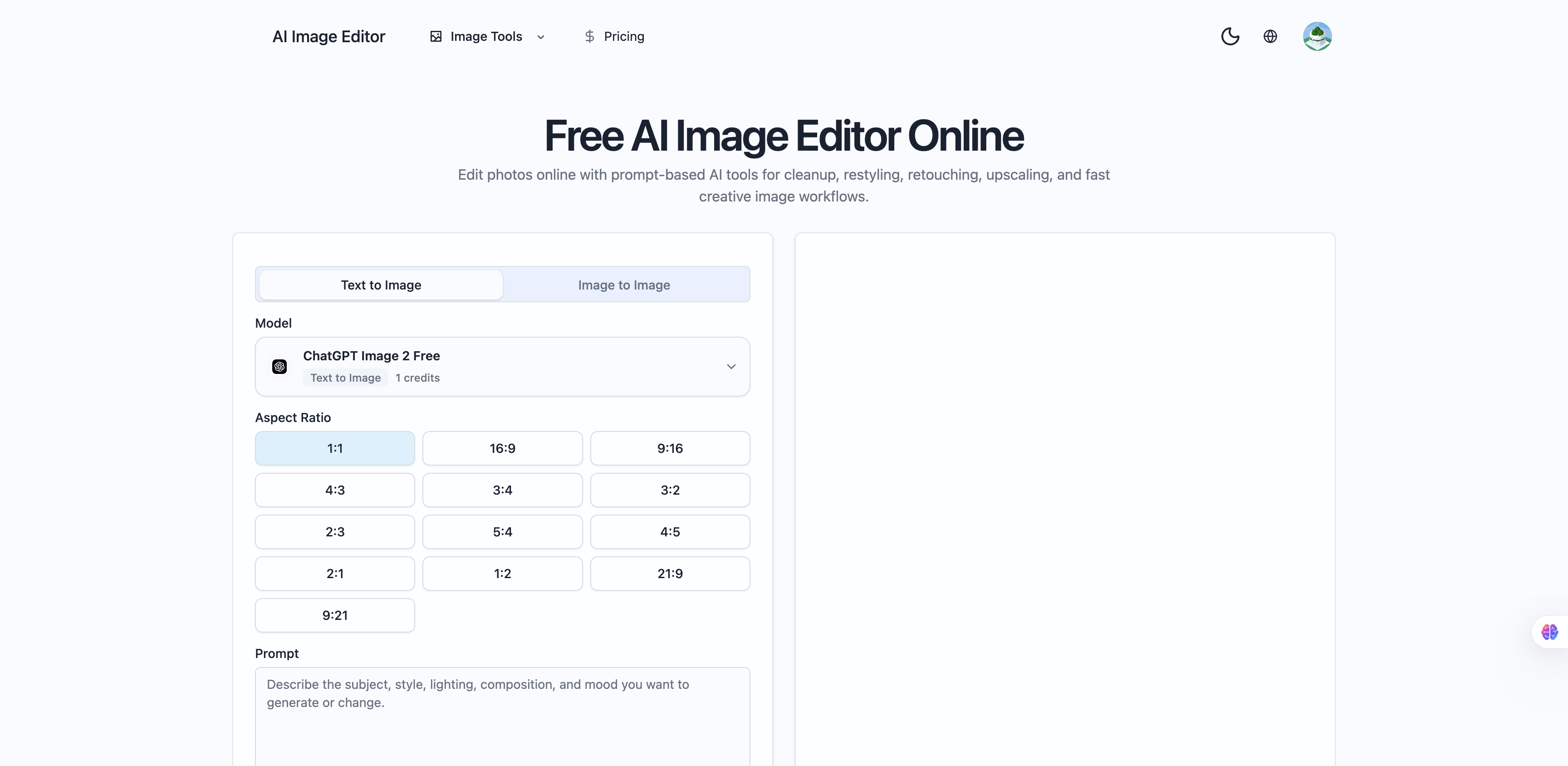
AI Image Editor is positioned as a free online AI photo editor where you describe edits in text rather than mastering traditional layer tools. The public site emphasizes prompt-driven retouching, restyling, cleanup, upscaling, and creative generation inside one browser workspace, with separate flows for text-to-image and image-to-image work. Marketers, solo creators, and small teams comparing lightweight AI editing against desktop suites should verify credit limits, video allowances, and export rights on the live pricing page before committing spend.
Key Features
- Browser-based AI photo editing workspace with prompt-led changes instead of manual masking for every adjustment.
- Text-to-image and image-to-image modes, including reference uploads and guidance to keep subject or layout consistent across variations.
- Workflow-oriented examples such as turning packshots into lifestyle scenes and generating multiple candidates to pick the strongest output.
- Inspiration gallery and "how it works" steps: choose mode, add prompt and references, define what must stay consistent, then iterate.
- Tiered plans labeled Free, Lite, and Pro under "simple, transparent pricing," with FAQ copy about credits, billing cycles, and Fast versus Quality modes.
- FAQ signals that the product also supports video-related credits and downloads, so image and video usage may share the same account balance.
Use Cases
Ecommerce and social teams can restyle product photos or place packshots into lifestyle backgrounds without opening a full creative suite for every variant.
Content creators who need quick cleanup, upscale, or stylistic refresh on existing shots can run image-to-image passes and compare variations in minutes.
Anyone experimenting with generative visuals for ads or thumbnails can start from text prompts or hybrid reference prompts when brand elements must stay recognizable.
Pricing
The site advertises Free, Lite, and Pro plans with credit-based usage. Public FAQ text explains what credits are, what happens when they run out before the billing date, and whether unused credits roll over-confirm current numbers and monthly video caps on ai-image-editor.io because plan details can change. Fast versus Quality mode is called out as a tradeoff that may affect credit consumption.
User Experience and Support
Onboarding is framed around choosing an editing mode, writing a clear prompt, optionally attaching reference images, and generating several options. Team-oriented copy appears under "why teams use this AI photo editor," though dedicated support channels were not prominent in the fetched evidence. Expect self-serve exploration in the editor and reliance on in-product FAQs for billing and export questions.
Technical Details
The product is a web application (MultimediaApplication appears in structured data signals) focused on online editing and generation. No public API, plugin list, or enterprise SSO details were visible in the homepage and pricing pages captured for this profile. Video creation limits and download permissions are discussed in FAQ form rather than a separate technical spec sheet.
Pros and Cons
Pros
- Single workspace for prompt-based editing, generation, and common ecommerce-style workflows like packshot-to-scene.
- Clear stepped workflow and inspiration content for users new to AI image tools.
- Transparent pricing framing with explicit FAQ coverage of credits and rollover behavior.
Cons
- Heavy pages may include noisy markup in crawls; always verify live UI and plan limits yourself.
- Video and image features sharing credits can make forecasting monthly cost harder without reading current tier tables.
- Limited visible documentation on integrations, team roles, or API access in the evidence used here.
FAQ
What is AI Image Editor best for?
It suits people who want to edit or generate images online using natural-language prompts, especially for retouching, restyling, cleanup, upscaling, and quick creative variations without installing desktop software.
Do I need design experience to use it?
The site markets the tool as prompt-driven and workflow-guided. You still need clear prompts and judgment when selecting among generated variations, but you are not required to master traditional manual editing tools for basic tasks described on the homepage.
How do credits work?
According to on-site FAQ copy, usage is tied to a credit balance that varies by plan. Credits may apply to both image and video features; check the pricing page for current allotments and whether Fast versus Quality modes consume credits differently.
Can teams use AI Image Editor?
Marketing copy references why teams use the editor, which implies shared commercial use cases. Confirm whether the live product offers shared workspaces, seats, or brand controls beyond what appears in this public crawl.
Is there a free plan?
A Free tier is listed alongside Lite and Pro. Treat free access as subject to credit limits and feature caps defined on the pricing page at signup time.
Can I download generated images or videos?
FAQ content mentions downloading generated videos; image export behavior should be confirmed in the editor after account creation, including any watermark or resolution limits per plan.
Conclusion
AI Image Editor presents a practical entry point for prompt-based photo work and generative variations in the browser, with recognizable workflows for creators and lean teams. Validate credit economics, video limits, and export rules on the official site, then pilot on a small batch of real assets before replacing established retouching pipelines.