
Introduction
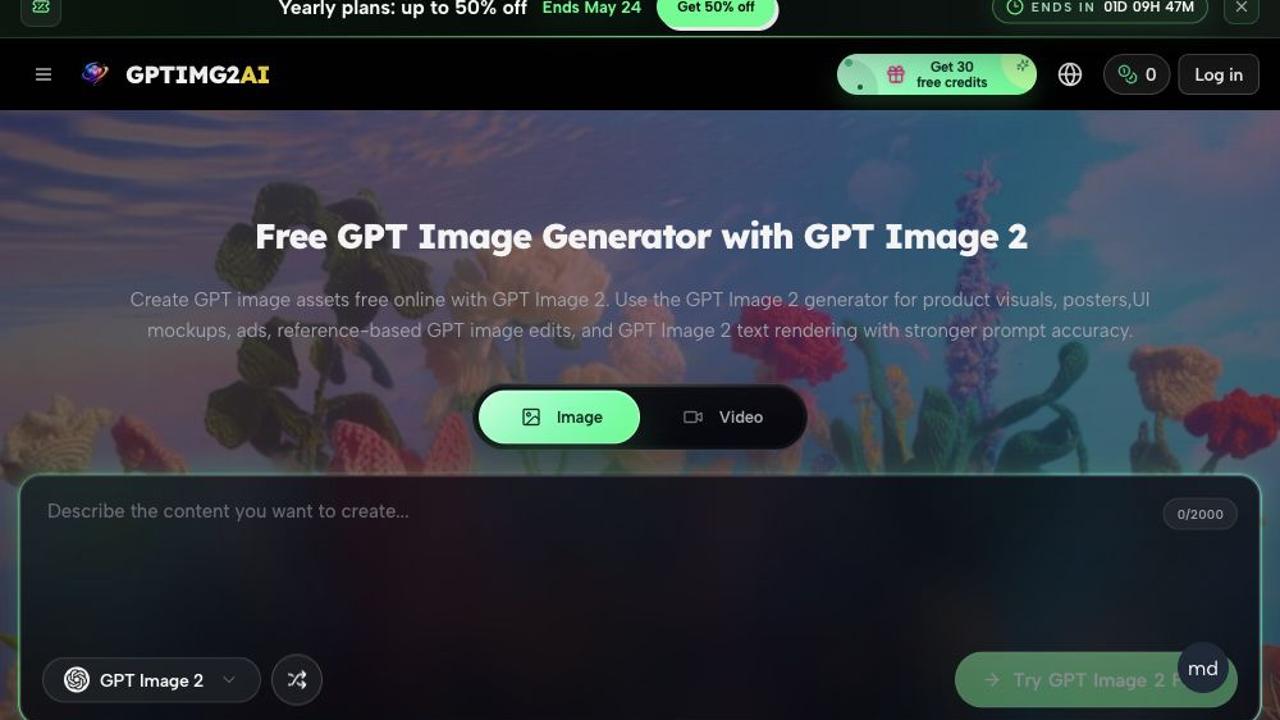
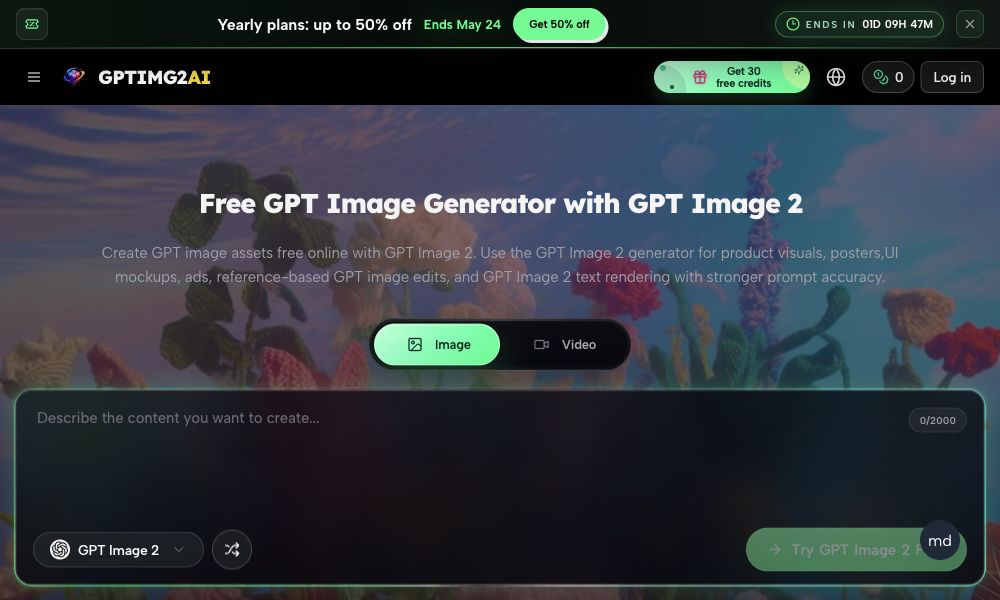
GPTIMG2 AI presents itself as a free GPT Image 2 generator for creating product visuals, posters, UI mockups, ads, and reference-based edits with clearer text. The public page frames it as an image-first tool for people who need usable visuals from a prompt-first workflow, especially when readable on-image text and tighter revision control matter.
That focus makes it more relevant for marketers, designers, and creators who want fast concepting without losing too much layout fidelity. The GPTIMG2 AI homepage also suggests a broader image-and-video model hub, so readers should separate the core generator from the surrounding model comparison and inspiration content.
Key Features
- GPT Image 2 is positioned around prompt accuracy, with the site emphasizing that longer and more specific instructions can still hold the subject, layout, and message together.
- The public page highlights stronger text rendering, which is especially relevant for posters, labels, menus, thumbnails, and other assets where legible copy affects approval.
- Reference-based editing is part of the offer, so users can start from an image and refine the result instead of rebuilding everything from scratch.
- The site shows practical examples such as product ads, character-motion scenes, stylized portrait edits, commerce mockups, infographic-style visuals, and typography-heavy posters.
- A prompt library and gallery-style presentation suggest the product is designed to help users explore directions quickly before settling on a final concept.
- The comparison section positions GPT Image 2 as a workflow-oriented model for review-ready still images, with stronger control around revision and reuse than a loose ideation tool.
Use Cases
For product teams, GPTIMG2 AI appears most useful when the brief depends on visual clarity rather than abstract art direction. The page repeatedly points to product shots, campaign key visuals, and UI-style mockups, which suggests a good fit for launch assets, social ads, storefront imagery, and presentation graphics.
It also seems well suited to editors or creative leads who need text inside the image to stay readable. That matters for tutorial thumbnails, posters, infographics, and educational visuals, where the layout has to survive review instead of simply looking interesting in a rough draft.
The strongest practical angle is probably rapid iteration: generate a first version, keep the useful structure, and refine the details that matter. A careful reader should still verify how consistent the results are on their own prompts, because the homepage shows examples and claims, but it does not prove every style or use case will hold the same level of fidelity.
Pricing
The homepage makes pricing cues visible, but not fully transparent. It shows "Get 30 free credits" and mentions yearly plans with up to 50% off, which confirms that free access and paid plans both exist, but the page does not clearly spell out every tier, usage cap, or renewal rule.
If pricing matters to your workflow, it is worth checking the site's pricing details directly before relying on the free credits alone. The public page gives enough evidence to know there is a freemium-style entry point, but not enough to judge value across different usage levels.
User Experience and Support
The site is laid out more like a working product hub than a minimal single-purpose generator. It surfaces navigation for prompts, pricing, a blog, and what's new, and it also includes a visible prompt-library angle that should help users move from idea to first draft without much setup.
Support-wise, the homepage clearly exposes educational and discovery content, but it does not clearly show a full help center, contact flow, or live support path from the main page alone. That is a useful thing to verify if you expect onboarding help, usage guidance, or account support beyond the public content.
Technical Details
GPTIMG2 AI centers on GPT Image 2 and also references other image and video models, which suggests a broader creative workflow rather than a single isolated generator. The page explicitly compares GPT Image 2 with other models on text clarity, reference fidelity, review-ready output, production strength, and controlled iteration.
The technical signals that are visible point to image-first production, with mention of 2K and 4K still images, prompt-first generation, and reference-preserving edits. What is not clearly visible from the homepage is the underlying stack, API availability, export formats, or integration ecosystem, so anyone with a production workflow should confirm those details before adopting it seriously.
Pros and Cons
Pros
- Strong emphasis on readable text, which is a real advantage for posters, thumbnails, UI mockups, and promo graphics.
- Clear use-case examples make it easier to understand what the tool is meant to produce.
- Free credits lower the barrier to trying the product.
- Reference-based edits and prompt accuracy suggest a more controlled workflow than a basic image toy.
Cons
- The homepage does not fully explain pricing tiers or usage limits.
- Support and documentation routes are visible only in a light form from the homepage.
- Technical details such as API access or export behavior are not clearly shown.
- The model comparison and marketing language are extensive, so readers still need to verify real-world consistency for their own briefs.
FAQ
What is GPTIMG2 AI, and what problem does it seem to solve?
GPTIMG2 AI is presented as a free GPT Image 2 generator for creating visual assets such as product images, posters, UI mockups, ads, and reference-based edits. The page suggests it is trying to solve a common creative problem: turning a detailed prompt or reference into a usable image without losing the structure of the brief.
Who is GPTIMG2 AI best suited for?
It appears most relevant for marketers, designers, founders, and content creators who need quick visual drafts with readable text and controlled revisions. The examples on the page lean toward product visuals, promotional graphics, and presentation-friendly assets rather than casual image experimentation.
Can GPTIMG2 AI create product photos, posters, and UI mockups?
Yes, those are some of the clearest use cases shown on the public page. The site explicitly mentions product visuals, posters, UI mockups, ads, and typography-heavy work, so those categories look like a central part of the product story.
What should a careful user verify before relying on it?
A careful user should verify pricing, credit consumption, output consistency, and whether the product supports the workflow they actually need. The homepage shows strong positioning, but it does not fully explain account limits, support options, export behavior, or technical integrations.
Does GPTIMG2 AI show pricing, support, or technical details publicly?
It shows some pricing signals, including 30 free credits and yearly-plan discounts, but not a complete pricing table on the homepage. Support and technical details are present in a lighter form through navigation, model comparisons, and educational content, though the page does not clearly expose every operational detail.
Conclusion
GPTIMG2 AI looks like a focused AI image tool for people who care about prompt fidelity, readable text, and reference-aware editing. The public page makes the strongest case for product visuals, posters, mockups, and ad-style assets, while still leaving enough pricing and technical questions for a buyer to verify directly before committing.