
Introduction
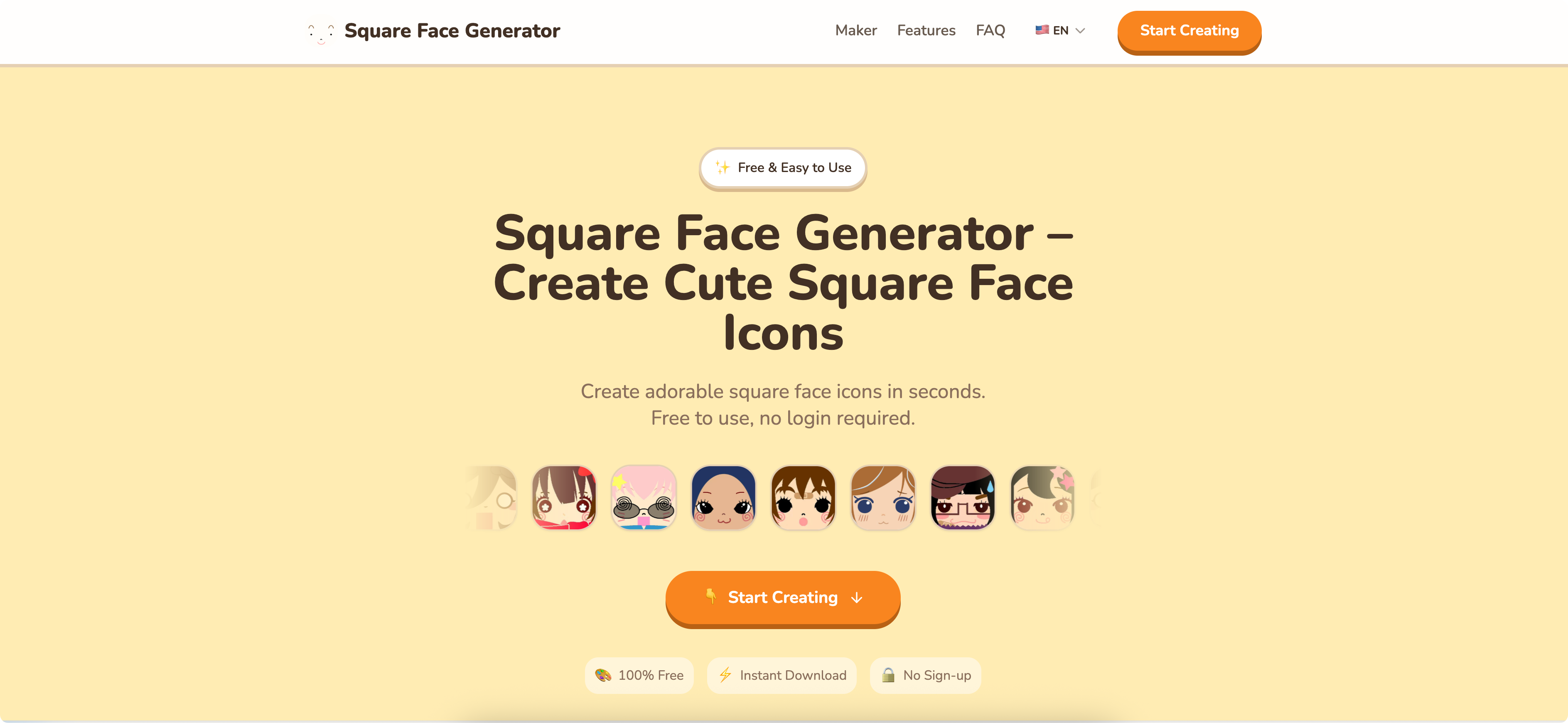
Square Face Generator is a lightweight web tool for making cute square face icons. Its public page keeps the promise simple: create an icon online, customize the face, avoid account setup, and download the result instantly. Because the available site evidence is limited, the product is best evaluated as a quick icon maker rather than a broad illustration suite or professional design system.
Key Features
- Online creation for cute square face icons.
- Free access is stated in the public page description.
- No login is required according to the visible site copy.
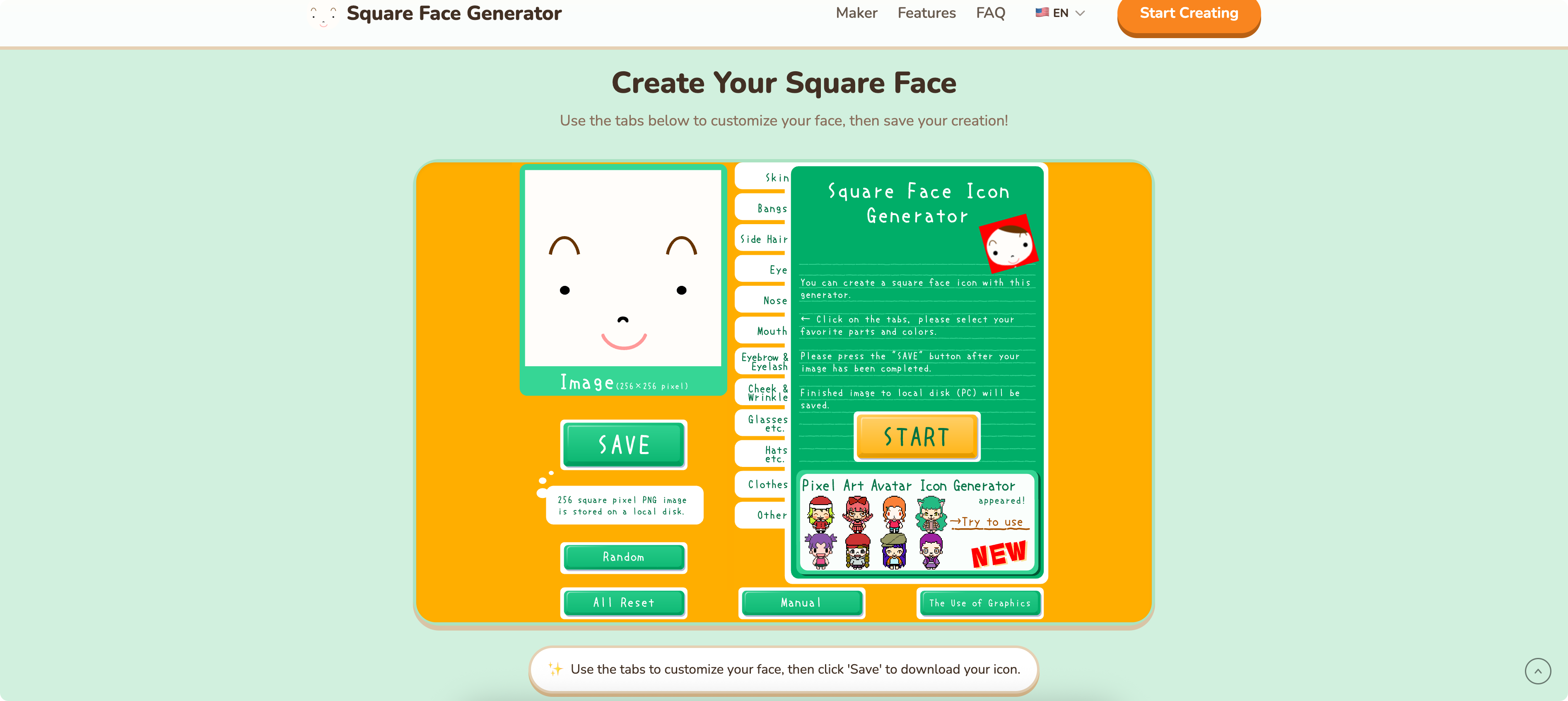
- Face customization is part of the stated workflow.
- Instant download is highlighted as a core convenience.
- The product appears intentionally narrow, centered on one square-face icon style instead of many unrelated design formats.
Use Cases
Square Face Generator is likely useful for people who need a small, friendly visual asset without using a full design editor. A maker might use it for a temporary profile image, a playful project avatar, a lightweight social icon, or a simple graphic for a prototype. The visible value is speed and low friction rather than advanced creative control.
It may also fit casual creative tasks where an account requirement would feel unnecessary. The site says the tool is free and requires no login, which makes it easier for someone to experiment quickly. That is especially helpful when the icon is for a personal page, classroom activity, hobby project, or informal online identity.
For higher-stakes usage, the public page leaves important questions open. Anyone planning to use a generated icon in a commercial product, client project, marketplace listing, or brand asset should verify licensing, export size, file format, and reuse rights before depending on the output.
Pricing
Square Face Generator is described as free on the public page. The same visible copy says no login is required, so the entry experience appears to be open and low commitment. No paid tiers, usage caps, commercial license details, premium options, or subscription terms are visible in the fetched evidence, so users should check the live site for current terms if pricing or long-term access matters.
User Experience and Support
The product copy suggests a direct, minimal workflow: create a square face icon, customize it, and download it instantly. That should appeal to users who want a quick result without navigating a complex editor or account setup process. The narrow product scope can be an advantage when the goal is simply to produce one cute icon quickly.
Public support information is not clearly visible in the available evidence. There is no fetched indication of a help center, contact channel, documentation page, tutorial, or FAQ. For a small generator this may not block casual use, but users with licensing, export, or troubleshooting concerns should look for those details before relying on it.
Technical Details
The available site evidence does not describe the generator's underlying technology, browser requirements, image format, resolution, transparency support, or storage behavior. The visible technical workflow is limited to online creation, customization, and instant download.
That lack of detail is not unusual for a simple web generator, but it matters for evaluators with specific needs. If the final icon must work in an app interface, a high-resolution profile, printed material, or a commercial product, the user should confirm the download file type, dimensions, quality, and usage rights directly.
Pros and Cons
Pros
- Very clear purpose: creating cute square face icons online.
- Free use is stated publicly.
- No-login access makes the tool easy to try.
- Customization and instant download support a quick creative workflow.
- The focused concept may be easier to use than a general-purpose design tool for this specific task.
Cons
- Public information is sparse, so detailed capabilities are difficult to assess before using it.
- Support and documentation signals are not visible in the fetched content.
- Export format, resolution, and licensing terms are not stated in the available evidence.
- The narrow icon style may not fit users who need broader avatar, illustration, or brand-design options.
FAQ
What is Square Face Generator used for?
Square Face Generator is used to create cute square face icons online. The public page says users can customize faces and download the result instantly.
Who is Square Face Generator best suited for?
It appears best suited for users who want a quick, playful icon for personal profiles, prototypes, small projects, or casual creative work. It is less clearly positioned for professional brand systems or complex illustration needs.
Is Square Face Generator free?
The visible site description says Square Face Generator is free. It does not show paid plans or premium limits in the fetched evidence, so users should verify current terms on the live site if cost matters.
Do I need to create an account to use Square Face Generator?
The public page says no login is required. That makes the tool easier to test for quick icon creation.
What customization options are available?
The page states that users can customize faces, but it does not list the exact controls. Users should check the tool directly to see whether it supports the expressions, colors, shapes, or style choices they need.
Can I use a generated square face icon for a business project?
The fetched page does not clearly state commercial usage rights. Before using an icon in a business, app, client deliverable, or monetized project, verify the license, attribution rules, and file quality.
What technical details should I check before downloading an icon?
Check the file format, image dimensions, transparency support, and whether the download quality fits your intended use. These details are not visible in the available public text.
Conclusion
Square Face Generator is a small, focused tool with a straightforward promise: free, no-login square face icon creation with customization and instant download. It looks most useful for quick personal or lightweight creative needs. The main caveat is that the public page provides limited detail, so users with professional or commercial plans should verify licensing and output specifications first.