
Introduction
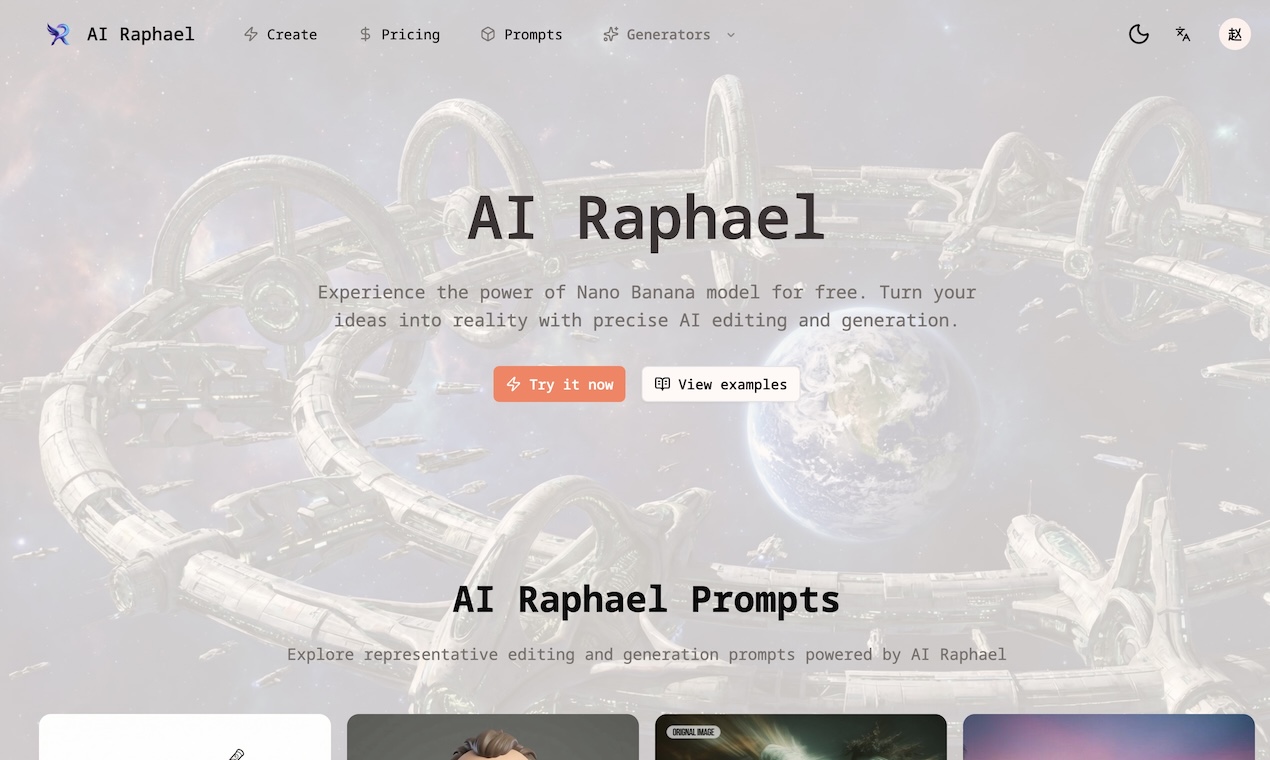
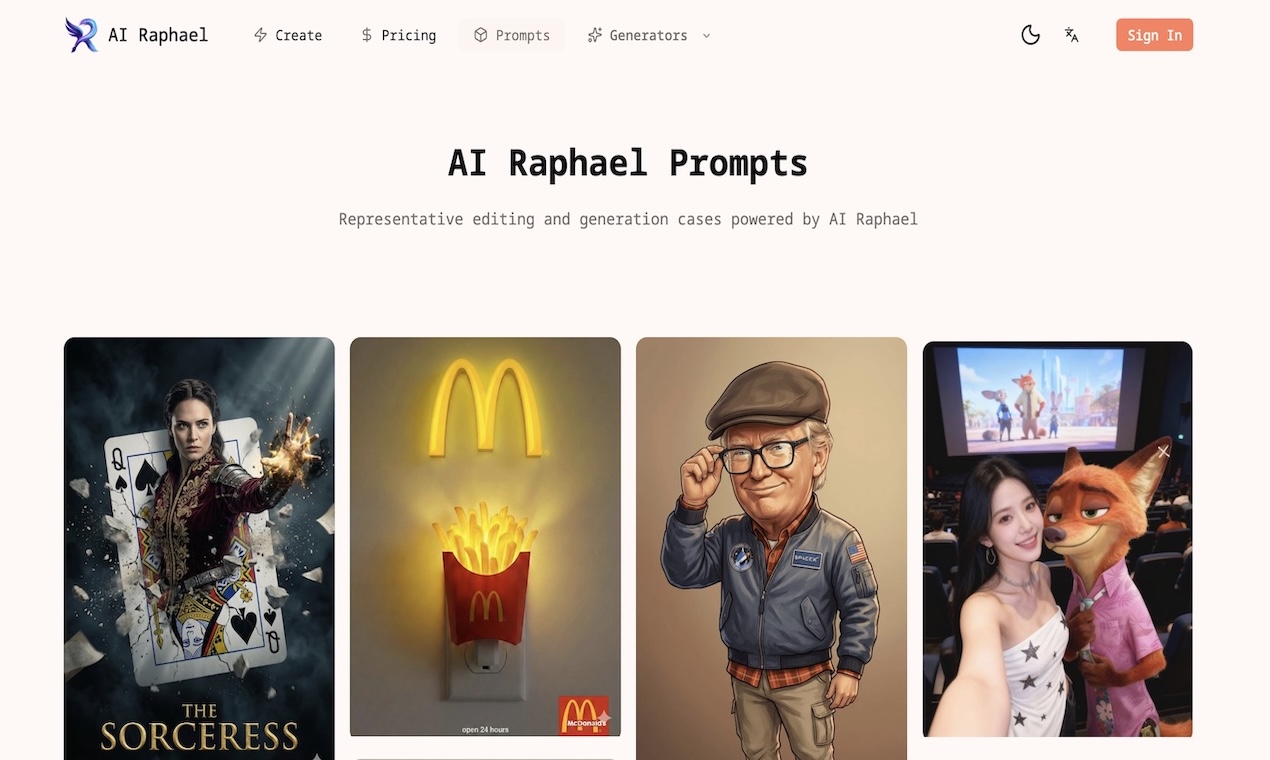
AI Raphael is an AI image generation and editing workspace powered by Nano Banana Pro and GPT Image 2. The public site presents it as a tool for creating polished visuals, editing photos with natural language prompts, preserving character consistency, and producing image variations for creative or commercial projects.
The clearest fit is for creators, marketers, designers, and small teams that need fast visual iteration without starting every image from scratch. Readers should still verify licensing, commercial-use terms, model limitations, and refund conditions before relying on it for client work or high-volume production.
Key Features
- Natural language photo editing, allowing users to describe changes conversationally rather than work through only manual editing controls.
- Text-to-image and image-to-image generation using Nano Banana Pro and GPT Image 2 models.
- Character consistency features intended to preserve faces, outfits, and poses across revisions.
- Scene preservation for blending edits into existing backgrounds and keeping visual continuity.
- Multi-image remixing for combining reference images, matching styles, or creating new scenes from multiple inputs.
- Aspect ratio presets such as 1:1, 16:9, and 4:5 for social feeds, hero banners, and print-oriented layouts.
- Instant variations for exploring lighting, color, composition, and related creative directions without restarting the workflow.
Use Cases
AI Raphael is likely useful for creators who need social visuals, campaign concepts, product mockups, character variations, or quick design directions from a short prompt. The visible page specifically points to framed outputs for social feeds, hero banners, and print layouts, which makes the tool relevant for content teams that need images in several formats.
The editing workflow also appears useful when a user already has a photo or reference image and wants to adjust it rather than generate a new image from zero. Natural language editing, scene preservation, and identity-aware character handling can help when the goal is to keep a person, pose, outfit, or background direction recognizable across multiple versions.
For professional projects, the main caveat is verification. The page references commercial projects in its FAQ prompts, but the fetched evidence does not show the full commercial-use answer, so users should review the current plan terms and usage rights before using outputs in paid campaigns, merchandise, or client deliverables.
Pricing
AI Raphael describes itself as free to try and offers sign-up credits, while the pricing page presents annual plans with a limited-time 50% discount. Visible plan examples include Professional at $14.95 per month during the sale with 1,400 credits valid for one year, Master at $29.95 per month with 4,800 credits, Enterprise at $49.95 per month with 10,500 credits, and another listed credit level with 18,500 credits per year. The pricing copy says subscriptions can be canceled anytime and that checkout uses the sale price while the campaign is active, but readers should confirm current pricing, credit rules, refund terms, and whether monthly or annual billing best matches their usage.
User Experience and Support
The public page is organized around a direct creation workflow: sign up, try the image tools, choose models, and use prompts to generate or edit visuals. The feature copy emphasizes prompt-based interaction, output framing, reference-image remixing, and iterative variations, which should make the product approachable for users who are more comfortable describing edits than operating advanced design software.
Support evidence is thinner than feature and pricing evidence. The pricing page includes a Pricing FAQ and questions about upgrading, canceling, refunds, price increases, one-time credits, subscriptions, commercial use, and custom plans. However, the fetched content does not show detailed support channels such as live chat, email support, documentation, or a help center, so buyers should check those routes before choosing a paid plan.
Technical Details
The clearest technical detail is model positioning: AI Raphael says it is powered by Nano Banana Pro and GPT Image 2. The visible feature list also references 4K Ultra image generation, text-to-image generation, image-to-image generation, aspect ratio control, and free downloads of generated images.
The site does not clearly show API access, plugin support, file format details, team collaboration, storage limits, or integration options in the fetched evidence. Users who need AI image generation inside a production workflow should verify export formats, generation limits, data handling, account controls, and integration availability before treating AI Raphael as part of a larger creative pipeline.
Pros and Cons
Pros
- Covers both image generation and image editing rather than focusing only on text-to-image prompts.
- Offers visible controls for character consistency, scene preservation, multi-image remixing, aspect ratios, and variations.
- Lists credit-based plan quantities, annual pricing, and included features such as 4K Ultra generation and free downloads.
- Uses a prompt-based workflow that may be easier for non-designers to understand.
Cons
- Support and documentation details are not very visible in the fetched content.
- Technical integration details such as API access, file formats, team controls, or workflow integrations are not clearly stated.
- Commercial-use terms are referenced as a pricing FAQ topic, but the fetched evidence does not show the full answer.
- Sale pricing and credit packages should be rechecked at checkout because campaign pricing can change.
FAQ
What is AI Raphael and what does it do?
AI Raphael is an AI image generation and editing tool powered by Nano Banana Pro and GPT Image 2. It is designed to create visuals from prompts, edit existing images, preserve character identity, remix reference images, and generate variations.
Who is AI Raphael best suited for?
AI Raphael appears best suited for creators, marketers, designers, content teams, and small businesses that need visual concepts, social media images, hero images, character-consistent revisions, or quick image edits from natural language prompts.
Can AI Raphael edit existing photos?
Yes, the public page says users can edit photos with conversational prompts. It also highlights scene preservation, character consistency, and multi-image remixing, which suggests the tool is meant for both new image generation and refinement of existing visuals.
What pricing information is visible for AI Raphael?
The site mentions free credits and paid annual plans with sale pricing. Visible examples include Professional, Master, and Enterprise plans with credit quantities, yearly validity, 4K Ultra generation, text-to-image and image-to-image generation, generated image downloads, and trending templates.
Does AI Raphael show commercial-use details?
The pricing FAQ includes a question about whether a subscription is needed for commercial use, but the fetched evidence does not show the full answer. Anyone planning to use images for ads, client work, products, or public campaigns should verify the current commercial-use terms before publishing.
What should technical or workflow-focused users verify?
They should check whether AI Raphael provides API access, supported image formats, batch generation, team features, storage limits, data retention details, and integration options. These details are not clearly visible in the fetched content.
Conclusion
AI Raphael offers a focused AI image workspace for users who want prompt-based generation, photo editing, character consistency, and fast visual iteration. Its visible strengths are practical creative controls and clearly listed credit-based pricing tiers.
The product is worth evaluating if image generation and editing are part of a creator or marketing workflow, but paid users should confirm commercial rights, support routes, technical limits, and current checkout pricing before committing.