
Introduction
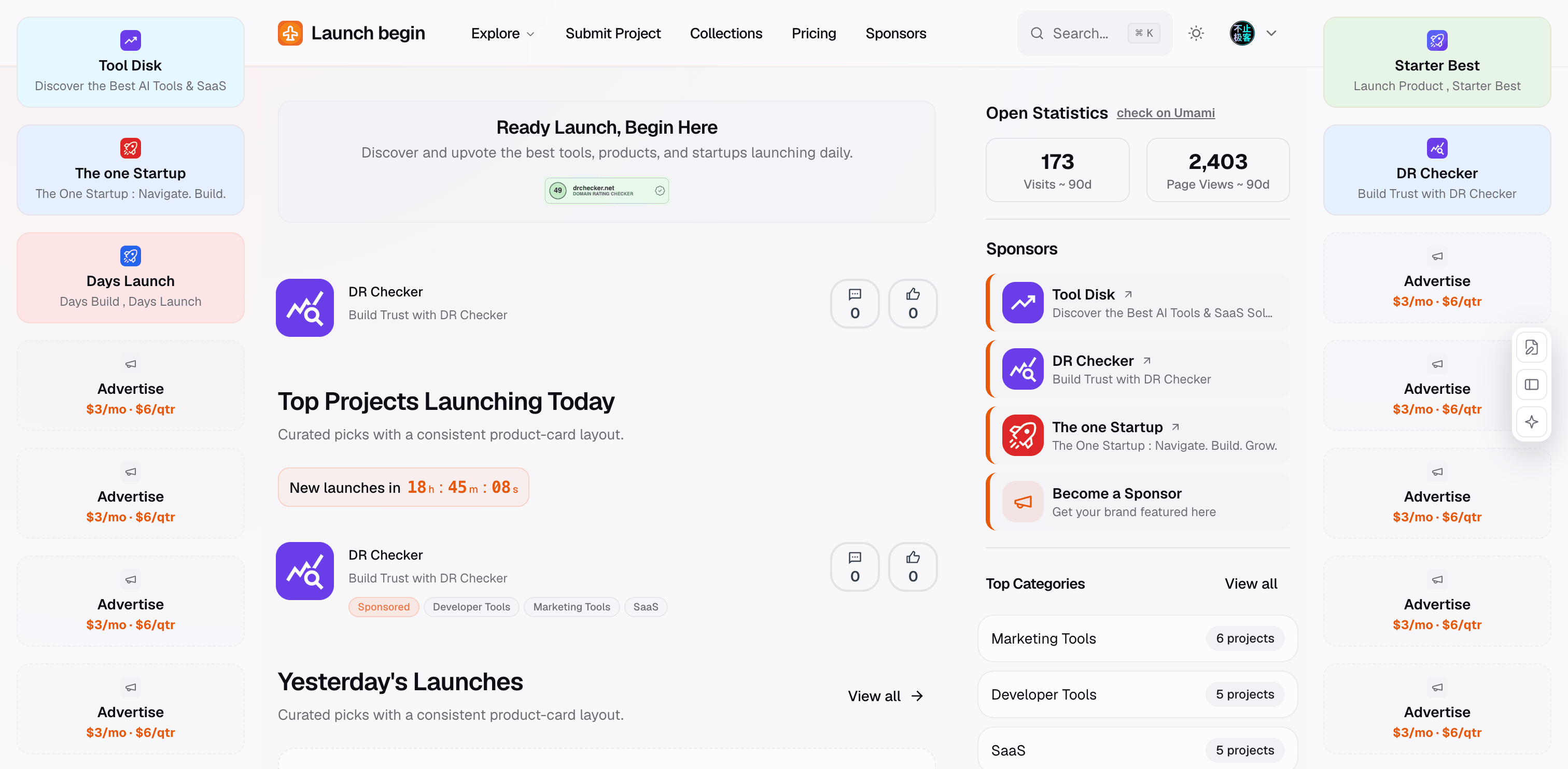
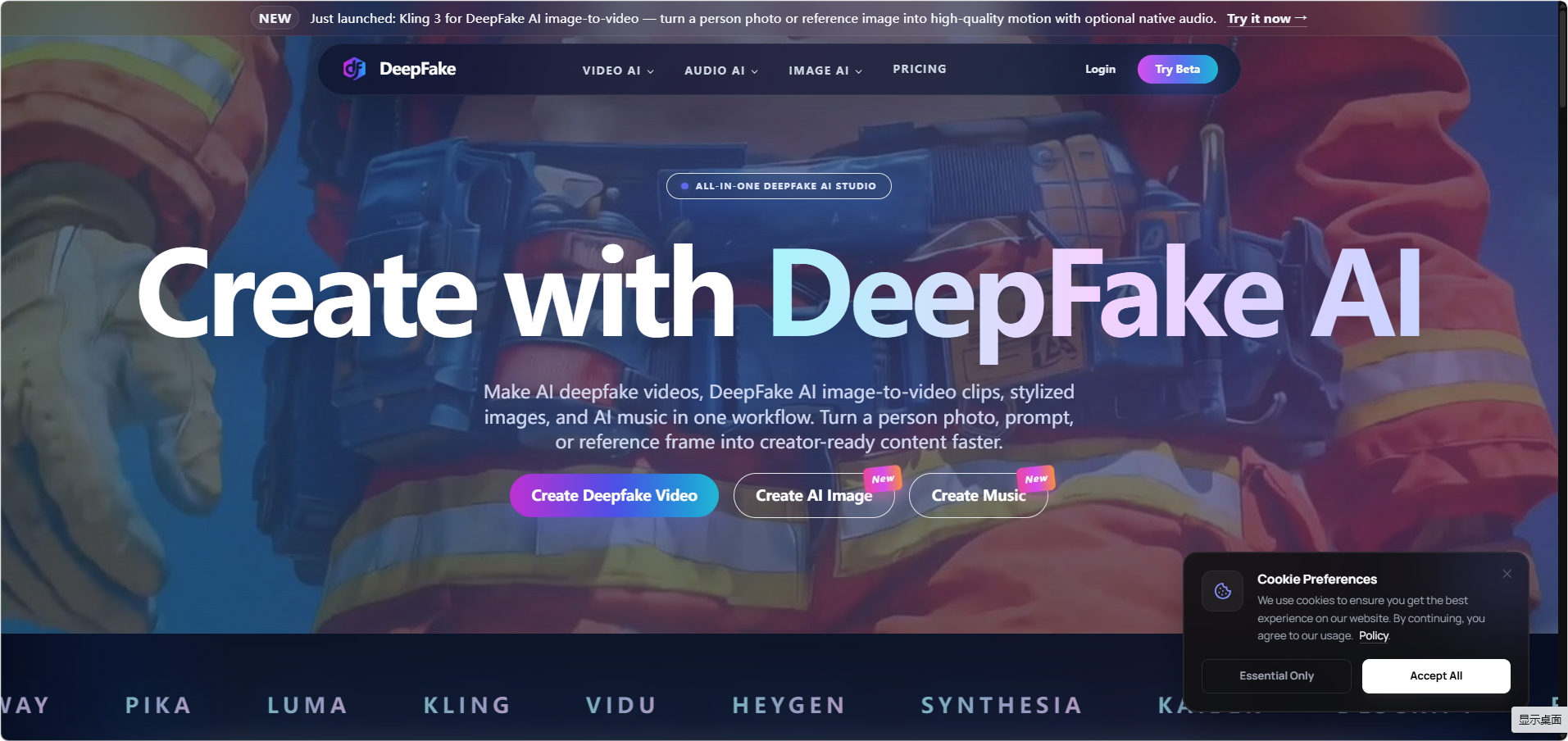
Deepfakeai is presented as an all-in-one DeepFake AI studio for video, image, and music generation. The public site focuses on consent-based face exchange, image-to-video clips, AI images, audio generation, avatar-style workflows, and creator-ready short-form assets. Its strongest fit appears to be for creators and small teams that want multiple AI media tools in one place, while the most important thing to verify is whether the safety rules, credit costs, and commercial terms match the intended use.
Key Features
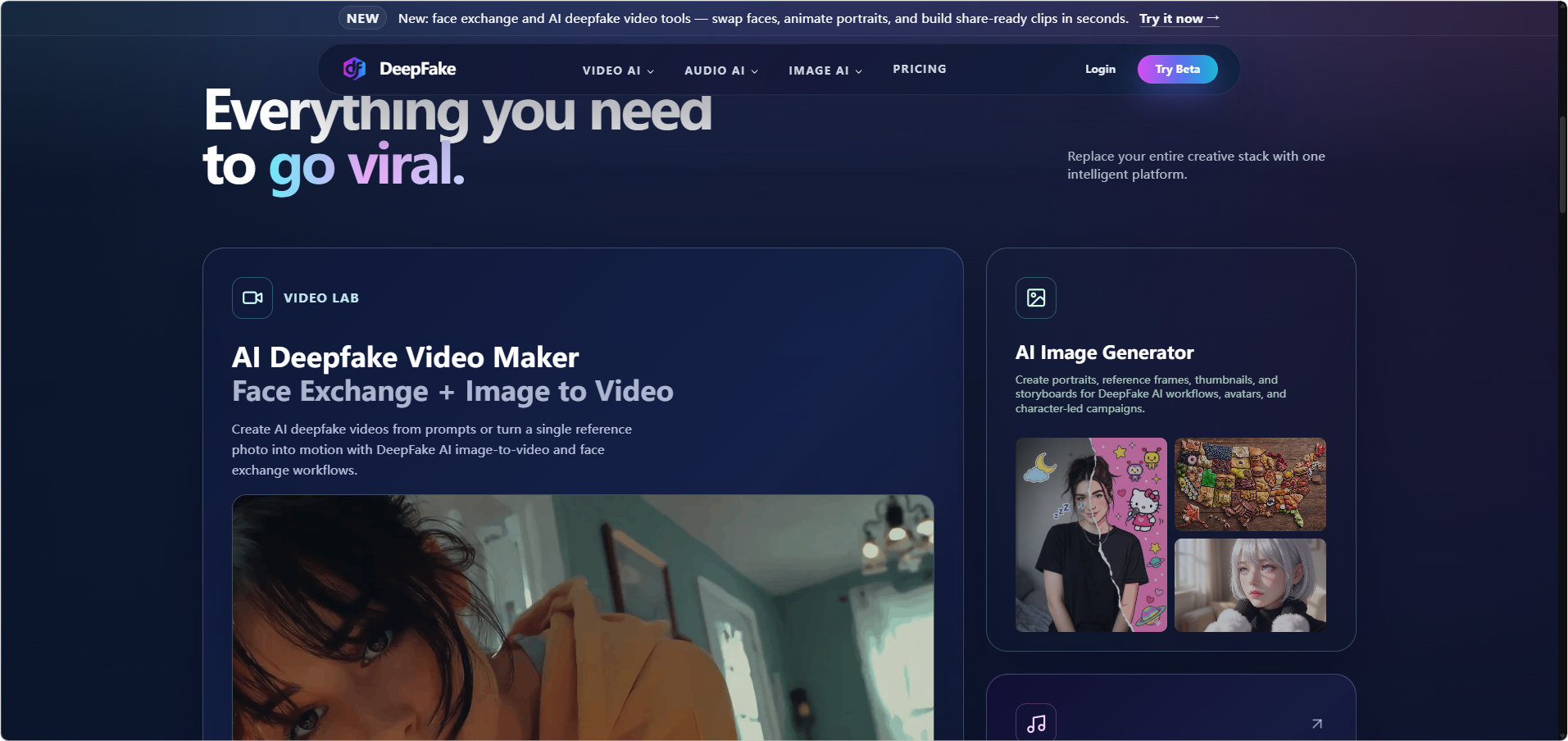
- AI deepfake video maker with face exchange and image-to-video workflows for turning a consented photo, prompt, or reference frame into motion.
- AI image generation for portraits, reference frames, thumbnails, storyboards, avatars, and character-led creative projects.
- AI audio generation, including music, voiceover-style workflows, video-to-audio, image-to-audio, text-to-music, and audio-to-video categories shown on the site.
- A wide model and effects menu that lists tools such as Kling, Vidu, Grok Imagine, LTX, Sora, Wan, Nano Banana, Flux, Qwen Image Edit, GPT Image, Suno, ElevenLabs, and related creative effects.
- Starter credits and paid plans that unlock higher resolutions, longer generations, batch runs, faster queues, no-watermark exports, and commercial license signals depending on plan.
- Public safety language that says the platform blocks non-consensual sexual content, impersonation fraud, misinformation campaigns, and harmful deepfakes, with a requirement that users have rights and permission for uploaded faces, voices, and media.
Use Cases
Deepfakeai is most relevant for creators who need short-form visual assets that combine motion, character consistency, image generation, and audio. A solo creator might use it to turn a reference photo into a stylized person-to-video clip, create supporting thumbnails or storyboards, and add music or audio in the same workflow. The public page positions this as a way to avoid moving between separate video, image, and music tools.
Small teams and agencies may find the platform useful for testing AI video concepts, avatar content, face-exchange edits, and multi-format campaign assets. The site highlights image-to-video, text-to-video, video-to-video, avatar lip sync, AI video effects, image generation, and audio tools, so the product appears designed for experimentation across several media types rather than a single narrow generator.
The product category also requires caution. Because Deepfakeai deals with faces, voices, identity-preserving edits, and deepfake-style outputs, responsible use matters more than convenience. The site states that users must have rights and permission for any face, voice, or media they upload, so evaluators should review the content policy and confirm consent workflows before using it for public, branded, or client-facing media.
Pricing
Deepfakeai provides a dedicated pricing page with free access signals, daily login credits, and paid subscription plans. The public pricing copy says new users receive 3 credits on first login and can earn 3 credits each day by logging in, while generations consume 2-5 credits depending on content type and complexity. Visible paid plans include Starter with 400 credits per month, Professional with 650 credits per month, Enterprise with 1,600 credits per month, and Ultimate with 4,000 credits per month, with higher tiers adding larger output allowances, faster queues, support upgrades, and commercial license-related benefits. Readers should confirm current prices, annual billing terms, refunds, and credit deductions before subscribing, because promotional pricing and billing details may change.
User Experience and Support
The public site organizes Deepfakeai around a broad creative menu: image to video, text to video, video effects, video to video, avatar lip sync, audio tools, AI image tools, and named model options. That structure should help users who know the format they want, but the number of available models and effects may also create a learning curve for people who are new to AI media generation.
Support appears to scale by plan. Starter mentions email support, Professional mentions priority email and chat support, Enterprise mentions 24/7 dedicated support with SLA, and Ultimate lists VIP support with a dedicated account manager. The pricing FAQ also tells users to contact support from inside the account for annual refund help or repeated generation failures, which suggests account-based support rather than only static documentation.
Technical Details
Deepfakeai is a web-based AI media creation platform covering video, image, and audio workflows. The site lists input and output paths such as image to video, text to video, video to video, video to audio, text to audio, image to music, text to image, image to image, and audio to video. It also names multiple model families and tools across video, image, and audio generation, including Kling, Vidu, Grok Imagine, Sora, Wan, Seedance, Nano Banana, Flux, Qwen Image Edit, Suno, and ElevenLabs.
The pricing page explains the credit model at a high level: each generation uses 2-5 credits depending on complexity and type, and paid plans add higher limits and faster queues. What is less clear from the fetched public pages is whether Deepfakeai offers API access, team permission controls, export format choices, audit logs, or enterprise compliance documentation. Teams planning production use should ask about those details directly.
Pros and Cons
Pros
- Covers video, image, and audio generation in one public product experience.
- Includes specific deepfake-related workflows such as face exchange, image-to-video, talking-avatar, and identity-preserving video variations.
- Shows a broad range of named models, effects, and generation categories for creative experimentation.
- Pricing pages give visible credit allowances, output estimates, support tiers, and commercial license signals.
- Public safety language addresses consent, harmful deepfakes, impersonation fraud, misinformation campaigns, and rights for uploaded media.
Cons
- The breadth of tools may be overwhelming for users who only need a simple face-swap or video generator.
- Credit consumption varies by content type and complexity, so actual usage cost may be hard to estimate before testing.
- Deepfake and identity-based media workflows require careful consent management and policy review.
- API access, team administration, export specifications, and compliance details are not clearly visible in the fetched public pages.
- Some pricing and promotional language appears time-sensitive, so users should verify current terms before purchase.
FAQ
What is Deepfakeai used for?
Deepfakeai is used for AI deepfake video, image-to-video generation, face exchange, AI image creation, and AI music or audio workflows. The public site describes it as an all-in-one studio for creators who want video, image, and audio generation in one place.
Who is Deepfakeai best suited for?
Deepfakeai appears best suited for creators, small teams, and production-oriented users who need short-form videos, avatar content, stylized images, music-backed reels, or face-exchange edits. It may be more than necessary for someone who only wants a single-purpose image generator.
Can Deepfakeai create videos from one photo?
The public FAQ says users can upload a consented photo of a person to create AI deepfake video, talking-avatar, and image-to-video workflows with motion, style, and face consistency controls. Users should make sure they have permission to use any face or media they upload.
How does Deepfakeai pricing work?
Deepfakeai uses credits for generation. The pricing copy says each generation consumes 2-5 credits depending on the complexity and type of content, and that users can receive credits through daily login bonuses and subscription plans.
Does Deepfakeai have a free plan?
Yes. The pricing and FAQ copy say users can start on a free plan and earn daily login credits. Paid plans add more credits, higher limits, faster queues, and additional benefits depending on tier.
What safety rules does Deepfakeai describe publicly?
The site says it blocks non-consensual sexual content, impersonation fraud, misinformation campaigns, AI-powered attacks, and harmful deepfakes. It also says users must have rights and permission for any face, voice, or media they upload or reference.
What should teams verify before using Deepfakeai commercially?
Teams should confirm the current commercial license terms, usage rights, consent requirements, content restrictions, export details, support response expectations, and whether higher-tier features match their workflow. The public site provides useful plan signals, but production use often needs more precise operational details.
Conclusion
Deepfakeai is a broad AI media studio for creators who want deepfake video, face exchange, image generation, and audio tools in a single workflow. Its public pages provide substantial detail on features, credits, plans, support tiers, and safety boundaries. The main evaluation point is not just whether the tool can generate media, but whether its consent requirements, content policy, credit economics, and support level fit the user's intended creative or commercial use.