
Overview
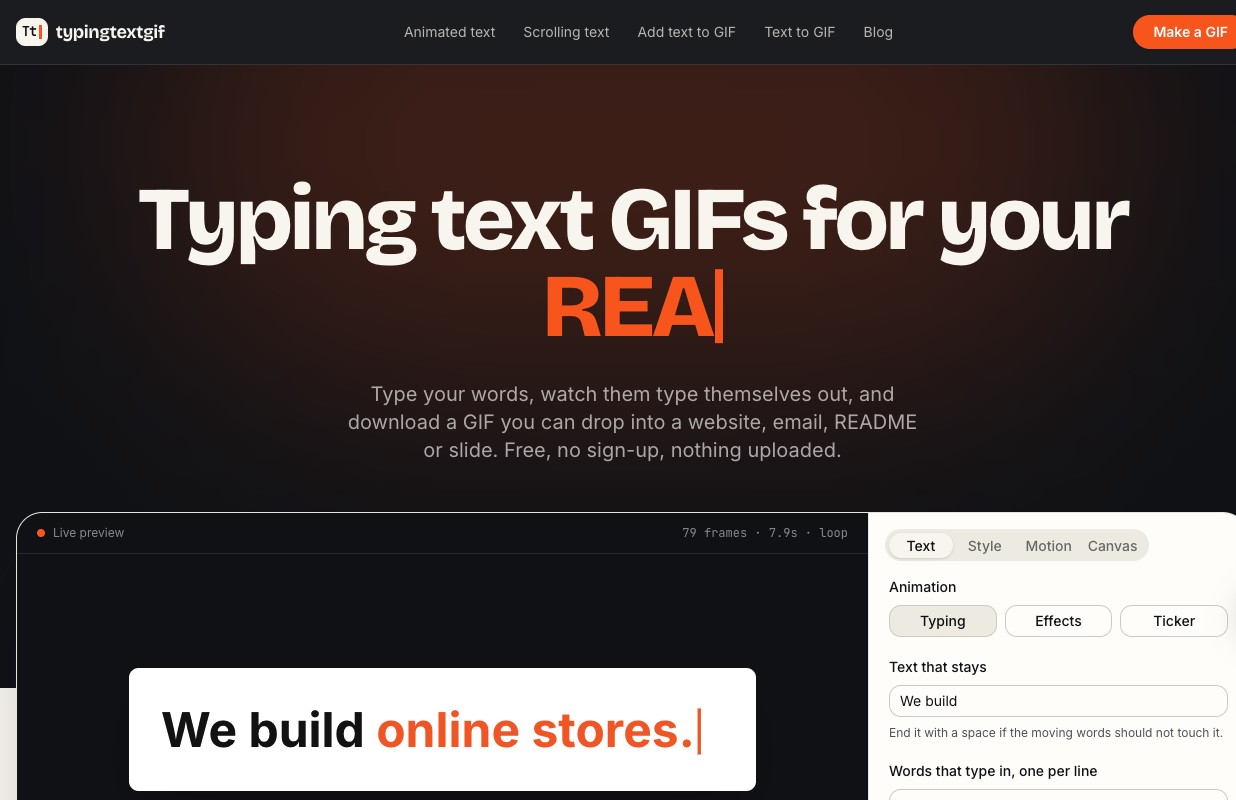
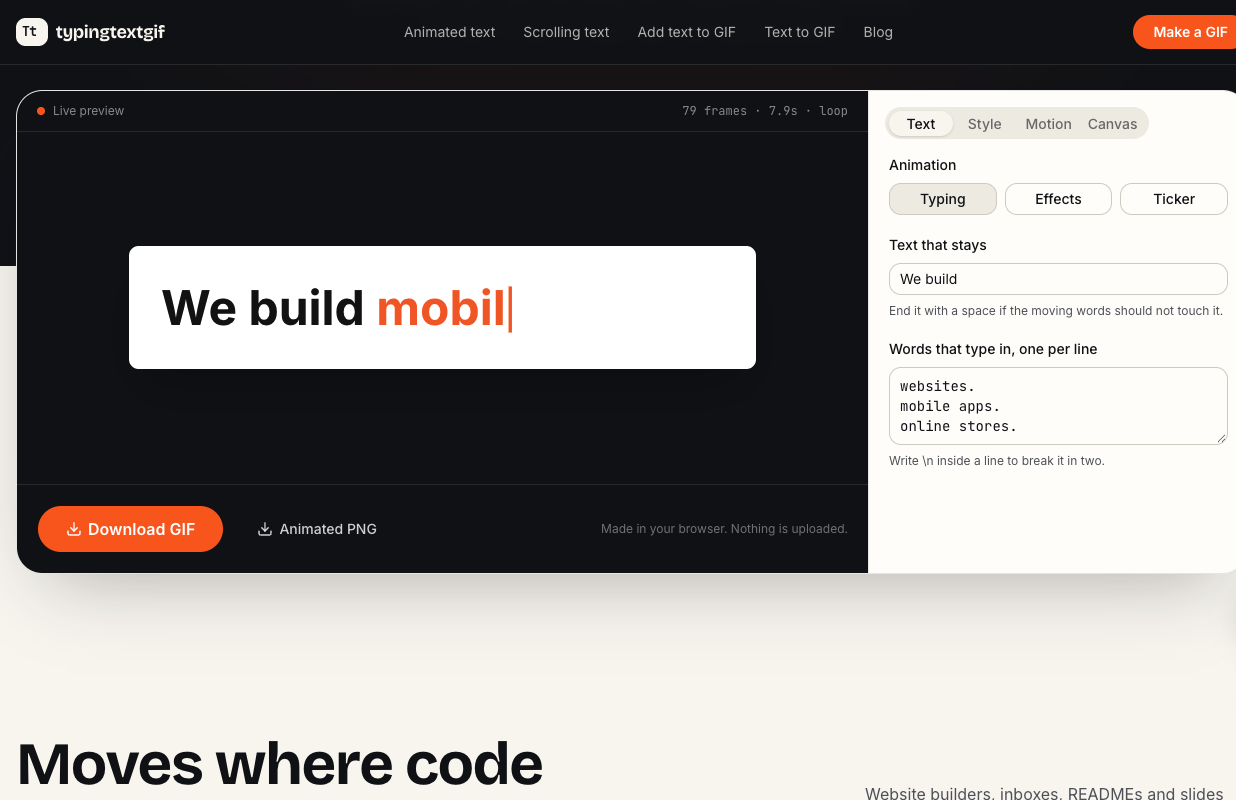
Typing Text GIF is a free, browser-based maker for text animations you can use anywhere an image works. Type a fixed line and a few rotating words and it renders them typing in and backspacing with a blinking cursor. Site builders, email clients, READMEs and slide decks strip scripts, so a CSS typing effect won't run there; this tool renders the same effect as a GIF or animated PNG.
Key Features
- Typing text with a blinking cursor, rotating words, twelve fonts or your own
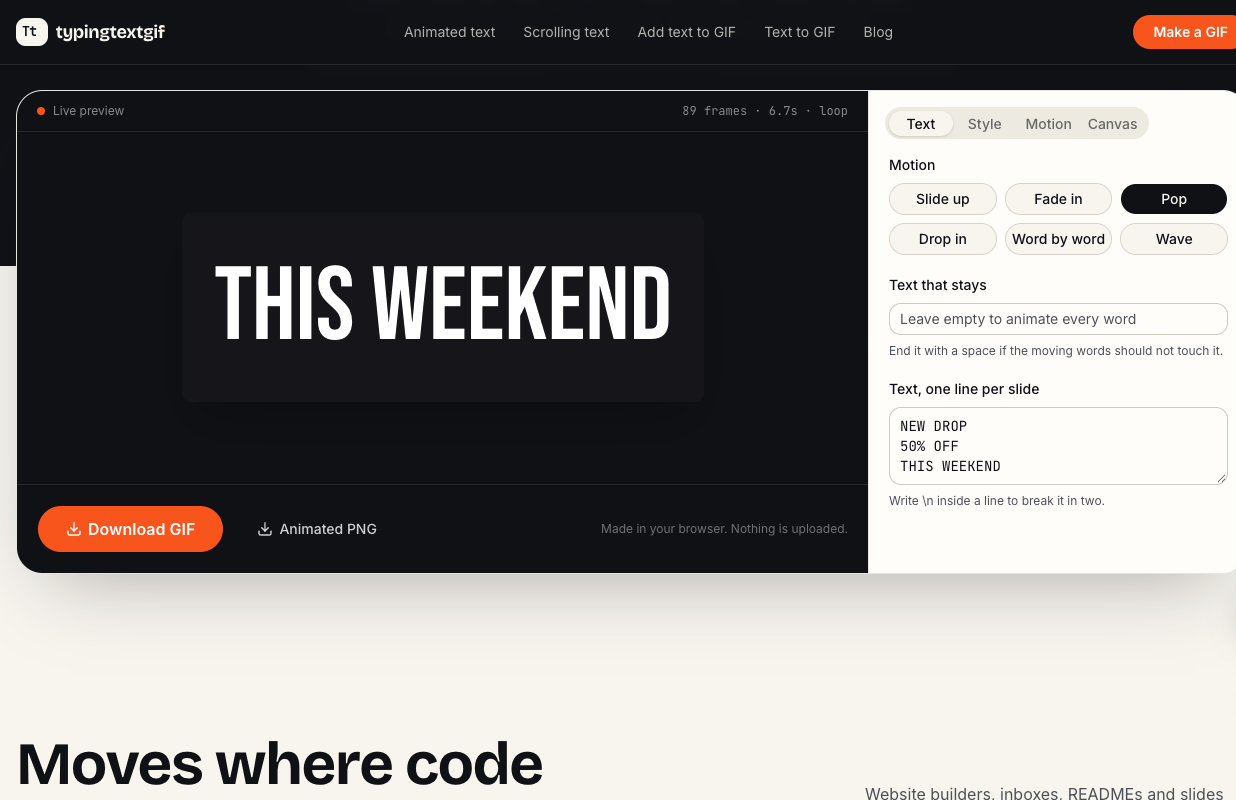
- Typewriter text with uneven ink, seamless scrolling tickers and letter-by-letter effects such as pop, wave, neon and rainbow
- Captions on an existing GIF
- Transparent backgrounds and an Outlook-safe first frame for email signatures
- Export as GIF or animated PNG, and as MP4 with key sounds
- A typing message page with chat bubbles and typing dots
- Nothing is uploaded: frames are drawn on a canvas and encoded on your device
Use Cases
- A "We build websites / apps / stores" typing headline for a site builder page
- Animated text in an email signature, a GitHub README or a slide
- Short looping text images for social posts and chats
Getting Started
Open https://typingtextgif.com, type your words, pick a style, watch the preview and download the file. There is no account and no watermark.
Pricing
Free, with no sign-up. The engine is open source (MIT). It can't edit video; it makes small looping text animations.